Cold Email Timing & Deliverability (2026)

Cold Email Timing & Deliverability: The 2026 Guide That Actually Works
Your cold emails are landing in spam. Or they're getting ignored. Or worse, they're bouncing completely.
I've sent millions of cold emails across 200+ B2B campaigns. Built Lyne.ai, run Clay MBA, and now lead education at Instantly.ai. Here's what I've learned about timing and deliverability that most people get wrong.
Spoiler: it's not about finding the "perfect" send time. It's about not sabotaging yourself with the basics.
The December Bounce Problem (And Why It's Getting Worse)
I see this question constantly: "My emails started bouncing in December. What happened?"
Here's the truth. Google and Microsoft rolled out stricter authentication requirements in early 2024. If you're still bouncing in 2026, you're behind. Way behind.
The problem isn't timing. It's infrastructure. Fix these first:
The Deliverability Checklist You Actually Need
Before you worry about when to send, make sure you can send at all.
DNS Authentication (Non-Negotiable)
- SPF record configured correctly
- DKIM signing enabled
- DMARC policy set (start with p=none, work toward p=reject)
- All three must align for your sending domain
Email Infrastructure
- Dedicated sending domain (never use your main domain for cold email)
- Proper warmup completed (minimum 2-3 weeks before scaling)
- Volume ramped gradually (no more than 20% increase per day)
- Separate domains for different campaigns (if sending 1000+ daily)
List Quality
- Email verification on every list (NeverBounce, ZeroBounce, or similar)
- Remove catch-alls or mark them high-risk
- Clean bounces immediately (hard bounces = instant removal)
- Monitor for spam traps
Content Hygiene
- No tracking pixels (or use sparingly)
- Minimal links (one link max in first email)
- No attachments in cold emails
- Plain text or minimal HTML
Miss any of these and timing won't save you. Your emails will bounce or land in spam regardless of when you send them.
When to Send Cold Emails (The Real Data)
Okay, infrastructure is solid. Now timing matters.
Here's what the data actually shows after analyzing millions of sends:
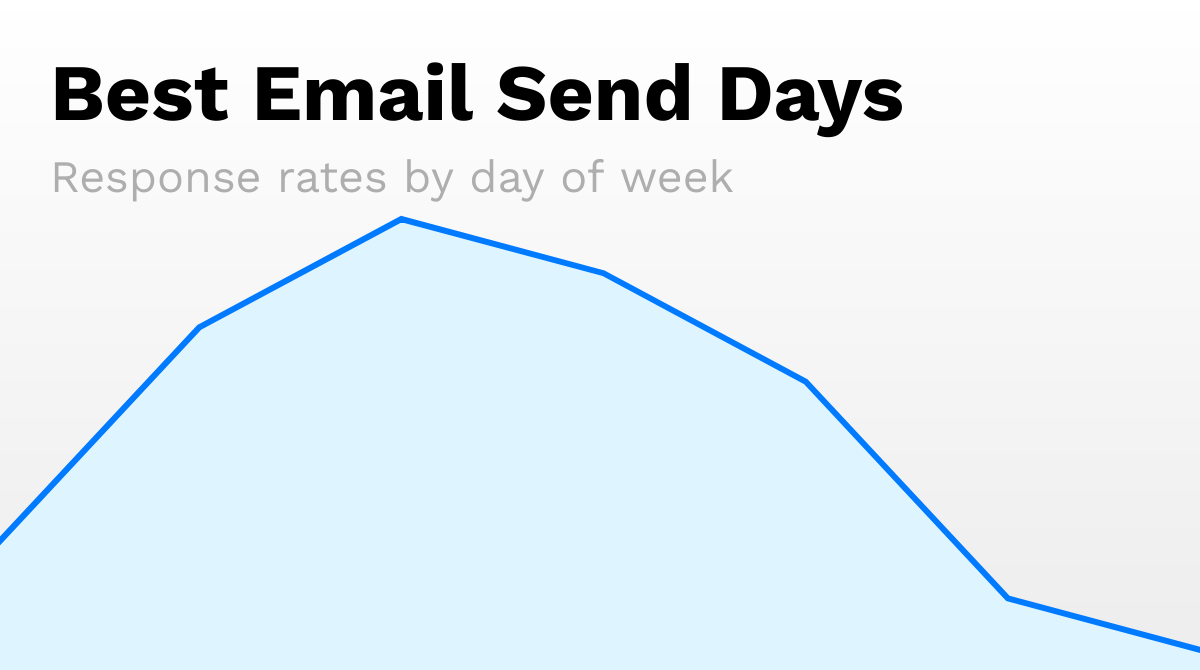
Best Days: Tuesday Through Thursday
Not revolutionary, but here's why these days work:
Monday: People are clearing weekend backlog. Your email is one of 50 they're processing. Bad.
Tuesday: Inbox is manageable. Recipients are focused. Best day for new outreach.
Wednesday: Peak engagement. Strong day for both opens and replies.
Thursday: Still solid. Good for follow-ups and sequences.
Friday: People are checked out by 2pm. Avoid for new campaigns.
Weekend: Just don't. Unless you're targeting founders who work weekends (and even then, questionable).
Best Times: Two Windows That Work
Morning Window: 9-11 AM (Recipient's Time Zone)
Why it works:
- People check email as they start their day
- Before the meeting chaos begins
- Decision-makers are in planning mode
This is my primary send window for new outreach. First emails go out between 9-10 AM in the prospect's local time.
Afternoon Window: 2-4 PM (Recipient's Time Zone)
Why it works:
- Post-lunch energy
- Afternoon inbox check is a habit
- Less competition than morning
I use this window for follow-ups and sequences. Email 2+ goes out in the afternoon.
Time Zone Matters More Than You Think
Sending at 9 AM EST to someone in London? That's 2 PM for them. Fine.
Sending at 9 AM EST to someone in LA? That's 6 AM. Terrible.
Always send in the recipient's time zone. If your email tool doesn't support timezone-aware sending, get one that does. This alone can improve open rates by 15-20%.
The Follow-Up Problem: How to Actually Get Replies
Here's the pain point I see constantly: "How do I follow up on quotations? I sent a proposal and they went silent."
The mistake is treating follow-ups like reminders. "Just checking in" emails deserve to be ignored.
My 5-Email Follow-Up Sequence (With Real Examples)
Email 1: Initial Outreach Day 1, 9 AM
This is your cold email. Hook, value prop, clear CTA. I've written about this extensively in my cold email templates guide.
Email 2: Add Value, Don't Nag Day 3, 2 PM
Don't ask "did you see my email?" Instead, add something new:
"Forgot to mention this in my last email. Here's a quick case study of how [similar company] solved [specific problem]. Thought it might be relevant to what you're dealing with at [their company]."
Email 3: Different Angle Day 6, 10 AM
Try a different value prop or proof point:
"Saw you're hiring SDRs on LinkedIn. Most teams we work with are automating that role with AI instead. Here's a 3-minute video showing how: [link]"
Email 4: Social Proof Push Day 10, 2 PM
Name drop if you can (with permission):
"Just wrapped a project with [competitor/similar company]. They saw 3x pipeline from the same list within 60 days. Happy to share how if relevant."
Email 5: Breakup Email Day 14, 9 AM
Create urgency through closure:
"I'll assume the timing isn't right. If things change, feel free to reach out. I'll stop emailing about this."
The breakup email often gets the highest reply rate. People don't want to be "broken up with," even by a stranger.
For Proposal Follow-Ups Specifically
Proposals are different. You've already had a conversation. The stakes are higher.
Day 2 after proposal: Quick check-in with a question that requires a response "Any questions on the proposal? Happy to jump on a quick call to clarify the [specific section they mentioned concern about]."
Day 5: Add new value "While you're reviewing, I put together a quick ROI calculator based on the numbers you shared. Take a look: [link]"
Day 10: Create urgency (honestly) "Want to make sure we can honor the pricing in the proposal. Let me know by [date] if you'd like to move forward."
Day 14: Give them an out "If this isn't the right fit or timing, no worries. Just let me know so I can update my notes. Either way, happy to stay in touch."
Volume and Frequency: The Realistic Numbers
"How many emails should I send per day?"
Depends on your infrastructure. Here are safe maximums:
New Domain (< 3 months old)
- Start: 10-20 emails/day
- After warmup: 30-50 emails/day max
- Scale slowly: 20% increase per week
Established Domain (3+ months, good reputation)
- Safe zone: 50-100 emails/day
- Maximum: 150-200 emails/day
- Multiple domains for higher volume
Enterprise Sending (using Instantly, Smartlead, etc.)
- Per mailbox: 30-50/day is safe
- Scale with more mailboxes, not more volume per box
- Rotate sending to avoid patterns
The 2026 Reality Check
Email providers are smarter now. They look at:
- Engagement rates (opens, replies, clicks)
- Spam complaints
- Bounce rates
- Sending patterns
- Content fingerprinting
You can't game the system anymore. The only sustainable approach is:
- Send to verified, targeted lists
- Write emails people want to read
- Scale gradually
- Monitor and adapt
Quick Wins: Fix These Today
If you're struggling with deliverability or timing, here's your action plan:
Today:
- Run your domain through mail-tester.com (score should be 9+)
- Check SPF, DKIM, DMARC are configured
- Verify your email list (remove invalid addresses)
This Week:
- Set up timezone-aware sending
- Review your follow-up sequence (add value, not "checking in")
- Cut your daily volume by 30% if you're seeing bounces
This Month:
- Set up a dedicated cold email domain if using main domain
- Implement proper warmup protocol
- Build a monitoring dashboard for deliverability metrics
The Bottom Line
Timing matters, but not as much as most people think. The real killers of cold email performance are:
- Bad infrastructure (authentication, warmup, domain reputation)
- Bad lists (unverified, stale, purchased)
- Bad content (spammy, no personalization, weak value prop)
- Bad follow-up strategy (nagging instead of adding value)
Fix those, and your emails will work. Send them Tuesday through Thursday, 9-11 AM or 2-4 PM, in the recipient's time zone. Follow up 4-5 times with escalating value.
It's not rocket science. But it does require discipline.
Ready to Level Up Your Cold Email Game?
Want to check your deliverability right now? Run your domain through mail-tester.com (free) — you should score 9+ before scaling any cold outreach.
For the complete outbound system — from building targeted lists in Clay to writing emails that convert — check out Clay MBA. It's how I teach GTM teams to build repeatable pipeline.
FAQ
What's the best day to send cold emails in 2026?
Tuesday, Wednesday, and Thursday consistently outperform other days. Tuesday is best for new outreach, Thursday is strong for follow-ups. Avoid Monday (inbox overflow) and Friday (weekend checkout).
My emails started bouncing. What should I check first?
Check your DNS authentication (SPF, DKIM, DMARC) first. Then verify your email list quality. If both are fine, you may have a domain reputation issue. Check your sending domain at Google Postmaster Tools and Microsoft SNDS.
How many follow-up emails should I send?
4-5 emails is the sweet spot for most B2B cold outreach. Space them 3-5 days apart. Each follow-up should add new value, not just ask "did you see my email?"
What's the best time to send cold emails?
9-11 AM for initial outreach, 2-4 PM for follow-ups. Always send in the recipient's time zone. This alone can improve open rates by 15-20%.
How long should I wait between follow-ups?
Initial sequence: 3-4 days between emails. For proposal follow-ups: 2-3 days early on, then stretch to 5-7 days for later touches.
My open rates are low. Is it timing or content?
Test one variable at a time. First, try different send times (same content). If that doesn't help, test subject lines. Low open rates with good subject lines usually indicate deliverability issues, not timing.
Want to master Clay?
6+ hours of structured training
ClayMBA is my comprehensive course on becoming a top GTM engineer. Learn everything from basics to advanced workflows.
Explore ClayMBAWant to master Clay?
6+ hours of structured training
ClayMBA is my comprehensive course on becoming a top GTM engineer. Learn everything from basics to advanced workflows.
Explore ClayMBA